In this article
Compare the underlying purchases, then preserve one accurate claim and its supporting evidence through the appropriate product workflow.
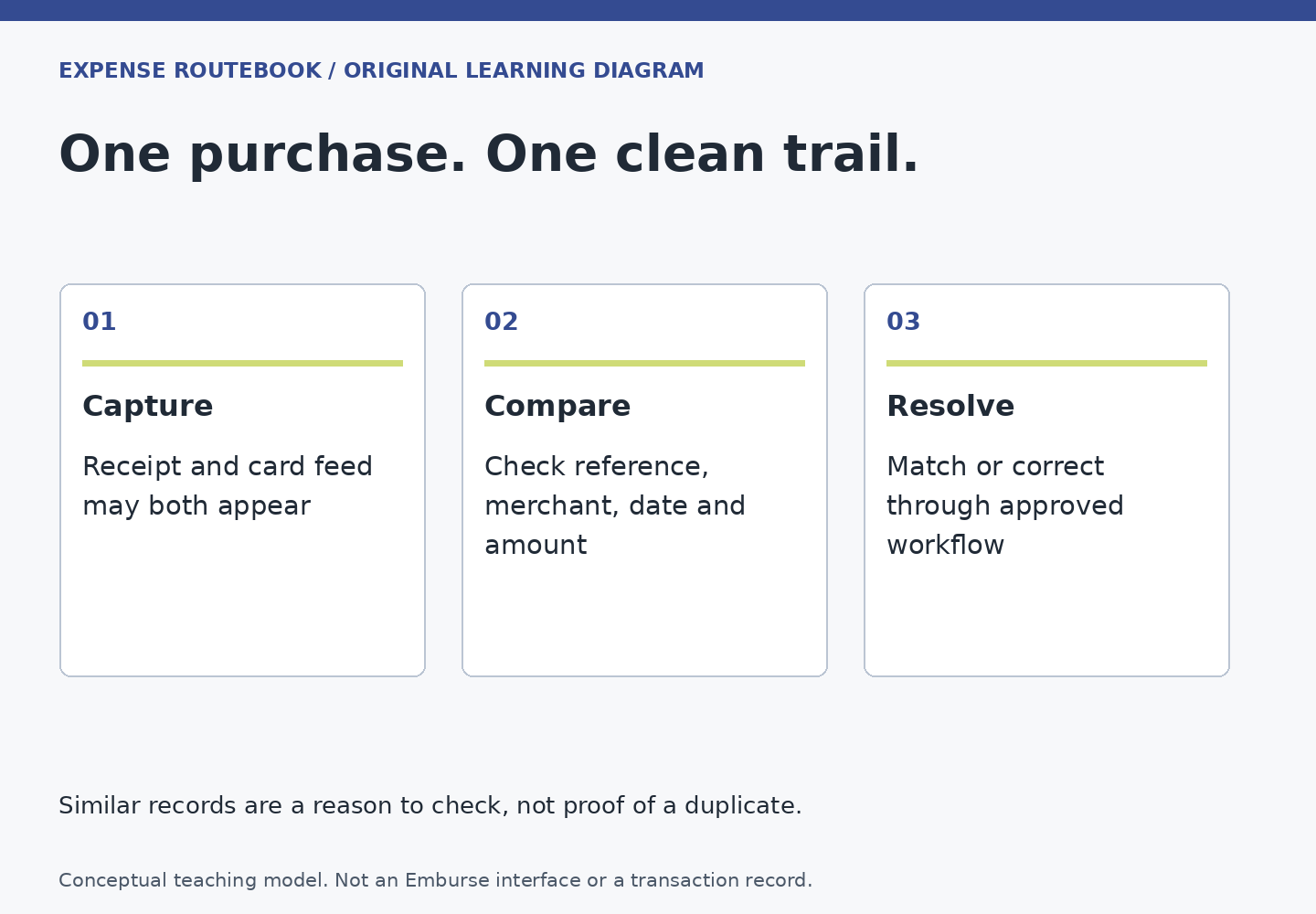
Two similar lines are a reason to investigate, not an automatic reason to delete one. They may represent one purchase entered through a receipt and a card feed, or two genuine purchases with the same amount. A useful duplicate check identifies the real-world event behind each line before changing the record.
Start with the warning’s meaning
Professional’s potential-duplicate guide describes a signal based on matching dates and amounts. That is a candidate match, not proof of improper conduct. The guide also explains that a legitimate separate expense can retain a flag and benefit from an explanation. Do not assume that every Emburse product uses the same detection rules.
Compare the merchant, original currency, amount, receipt, card reference available to you, and what was actually purchased. Dates can require interpretation: a merchant’s service date and a card posting date may differ. A mismatch in one field does not automatically establish that the purchases are separate.
Choose among three situations
- One purchase, two records: identify which line carries the imported transaction and which carries the receipt or manual entry.
- Two genuine purchases: preserve both and explain the distinguishing facts with separate evidence.
- Still uncertain: keep the question open and ask the responsible reviewer or administrator before removing financial data.
This decision tree is an editorial review method. It does not grant permission to alter a processed report, delete imported card data or override an employer’s audit finding. The appropriate action depends on the product, record stage and your role.
When the receipt and card transaction describe the same purchase
The Professional draft merge guide covers a receipt-derived line and its matching card transaction when they are not already linked. That is a specific use case. Confirm the match, follow the official instructions for the draft, and then check that one accurate amount and the intended evidence remain.
Do not merge two real transactions merely because their amounts match. Do not delete a company-card record to preserve a manually entered reimbursable claim. The card record may be needed for reconciliation, and the manual line may have the wrong employee-payment classification.
A fictional false positive
Rosa buys two separate train tickets for two approved travelers on the same day. Each costs 18 in the same currency. The equal date and amount are not enough to decide that one is a duplicate. She keeps the distinct ticket references, identifies the relevant travelers using approved fields and explains why both transactions exist.
By contrast, if Rosa photographs her own ticket and later adds its imported card charge as a second expense, she has two records for one purchase. The fix is to preserve the proper transaction and its evidence through the supported workflow, not to write a note asserting that every flagged pair is legitimate.
Understand why a recent receipt may be waiting
Professional’s ReportExecutive schedule guide describes a permission-dependent buffer intended to allow card imports before automatic report creation. Items within the buffer can be held for a later report. If a recent item is absent, check the configured process before entering it again.
A missing item and a delayed import are not interchangeable diagnoses. Record what exists in the Wallet, draft and submitted reports, and ask the administrator about the expected import route when needed. Do not change company schedules simply to make one item appear sooner.
Deletion and moving are different actions
Professional’s Other Actions guide distinguishes deletion from sending an expense back to the Wallet and notes restrictions for imported card expenses. Read the applicable action carefully. When unsure, stop before removing data and use the correction guide.
Finish by checking the report total, reimbursable total and attached documents. Use the receipt evidence check to ensure the surviving record still proves the purchase. At the end of a trip, review the Wallet and later imports through the closeout checklist. A clean result means one accurate representation of each real expense, with an explanation for any legitimate look-alikes.